TrimTube
Chrome extension
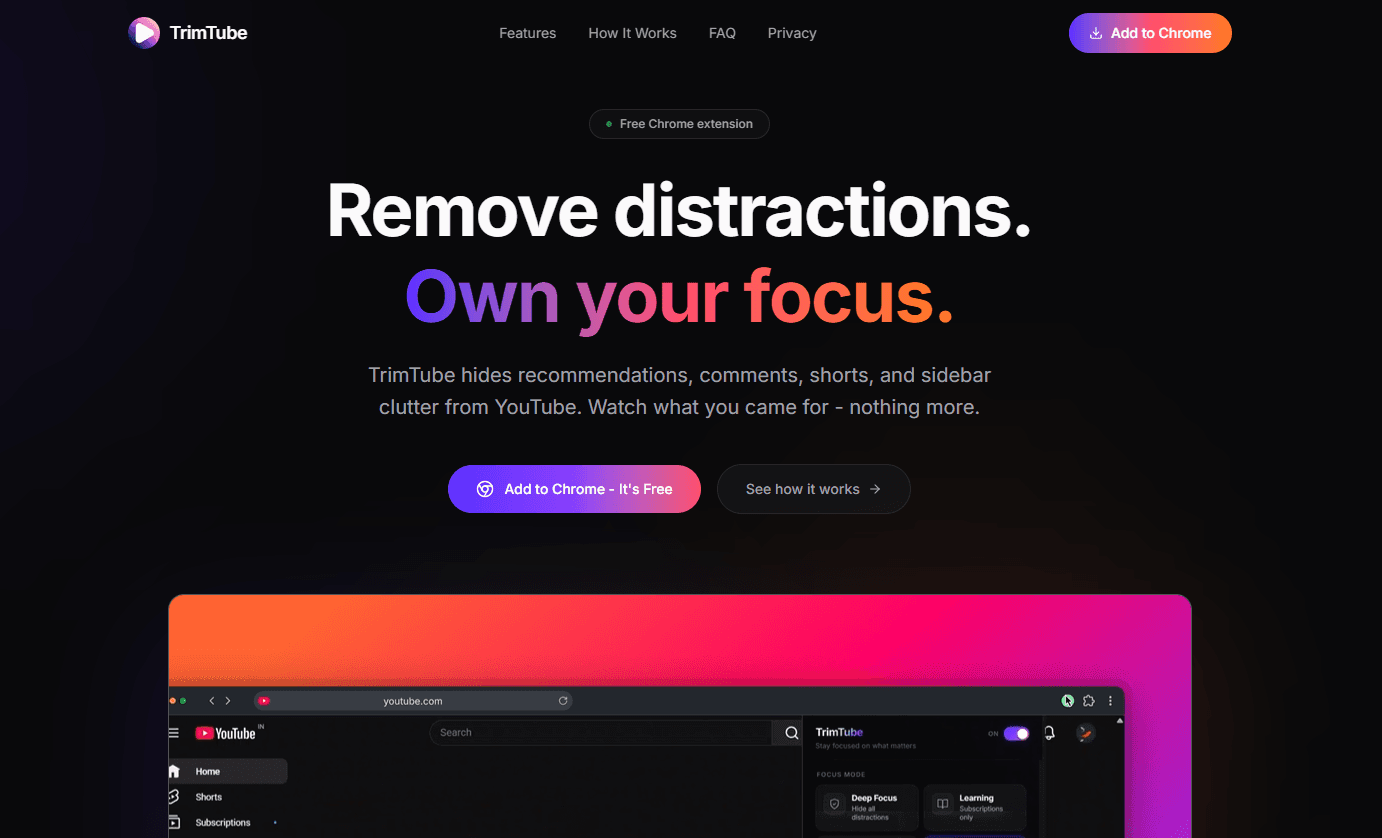
Hides recommendations, comments and other distractions on YouTube, so you watch what you came for.
- Year
- 2026
- Status
- Live
- Built with
- Manifest V3, Chrome Storage, CSS
The problem
YouTube is designed to keep you watching the next thing, even when you came for one video.
What I built
A free Chrome extension that hides the parts of YouTube built to pull you elsewhere: recommendations, the sidebar, the Shorts shelf, comments and home-feed clutter. A Full Focus mode strips everything except the player and has a keyboard shortcut. Thumbnails can be blurred to take the edge off impulse clicks.
Each category is a toggle in the popup, settings persist across sessions, and rules are page-aware, so Home, Watch, Search and Channel pages can each behave differently.
Why it's shaped this way
It hides things with CSS instead of rewriting the page with JavaScript. YouTube re-renders constantly; a stylesheet keeps working through every re-render at no extra cost, where DOM scripting would have to keep up with it. No account, no setup: install it and it works.